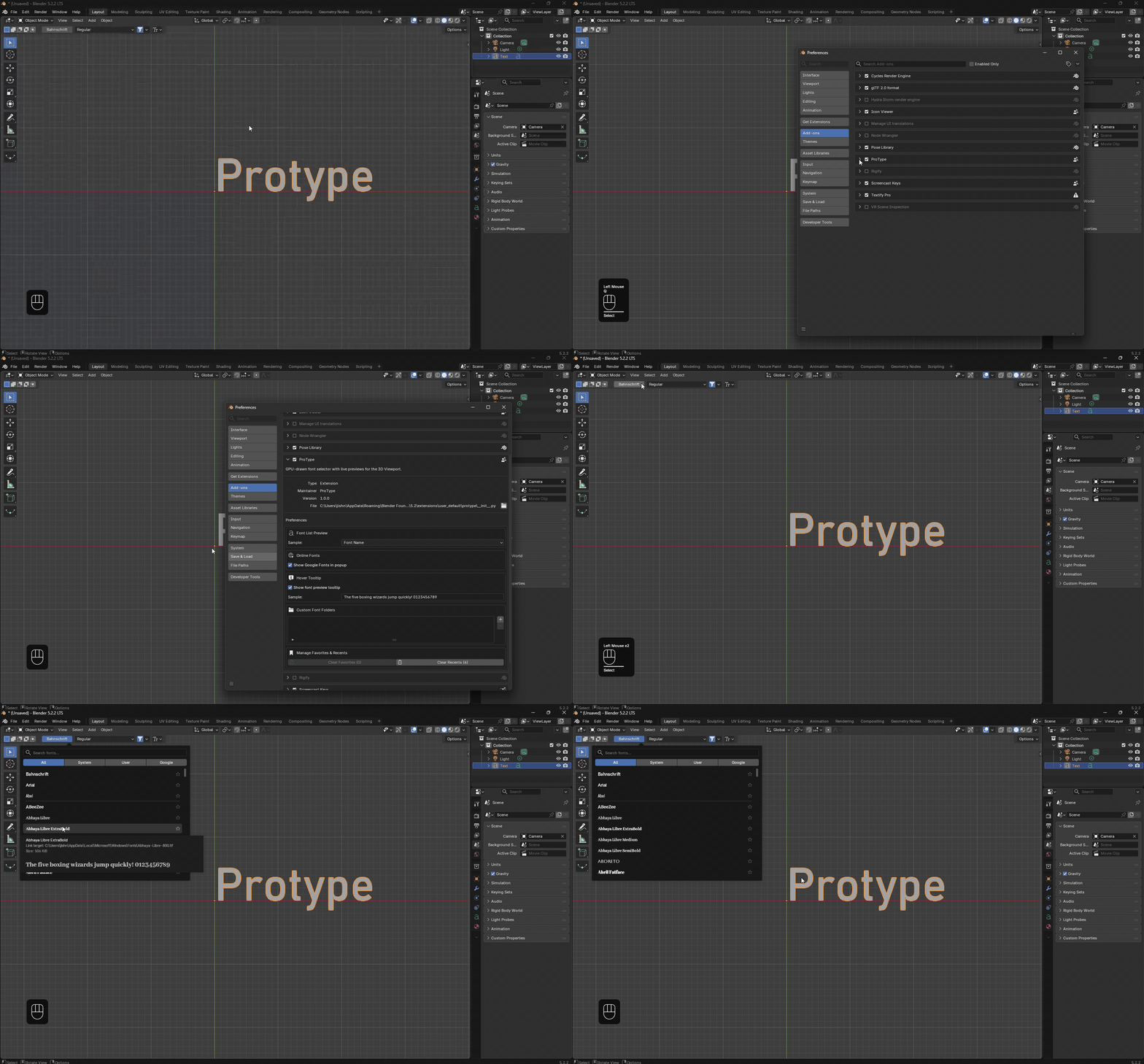
Browse, preview, and apply fonts to 3D Text objects without leaving
Blender's 3D Viewport. ProType brings instantaneous font search, style variant selection, and
intuitive typography controls right into your active scene workflow.
Features
Select any 3D Text object in your viewport to access the interactive font picker, compare
typefaces in real time, and adjust typography properties.
01 / Browse & Preview
Compare fonts right in your viewport.
Browse font families, preview actual letterforms, and apply a selection.
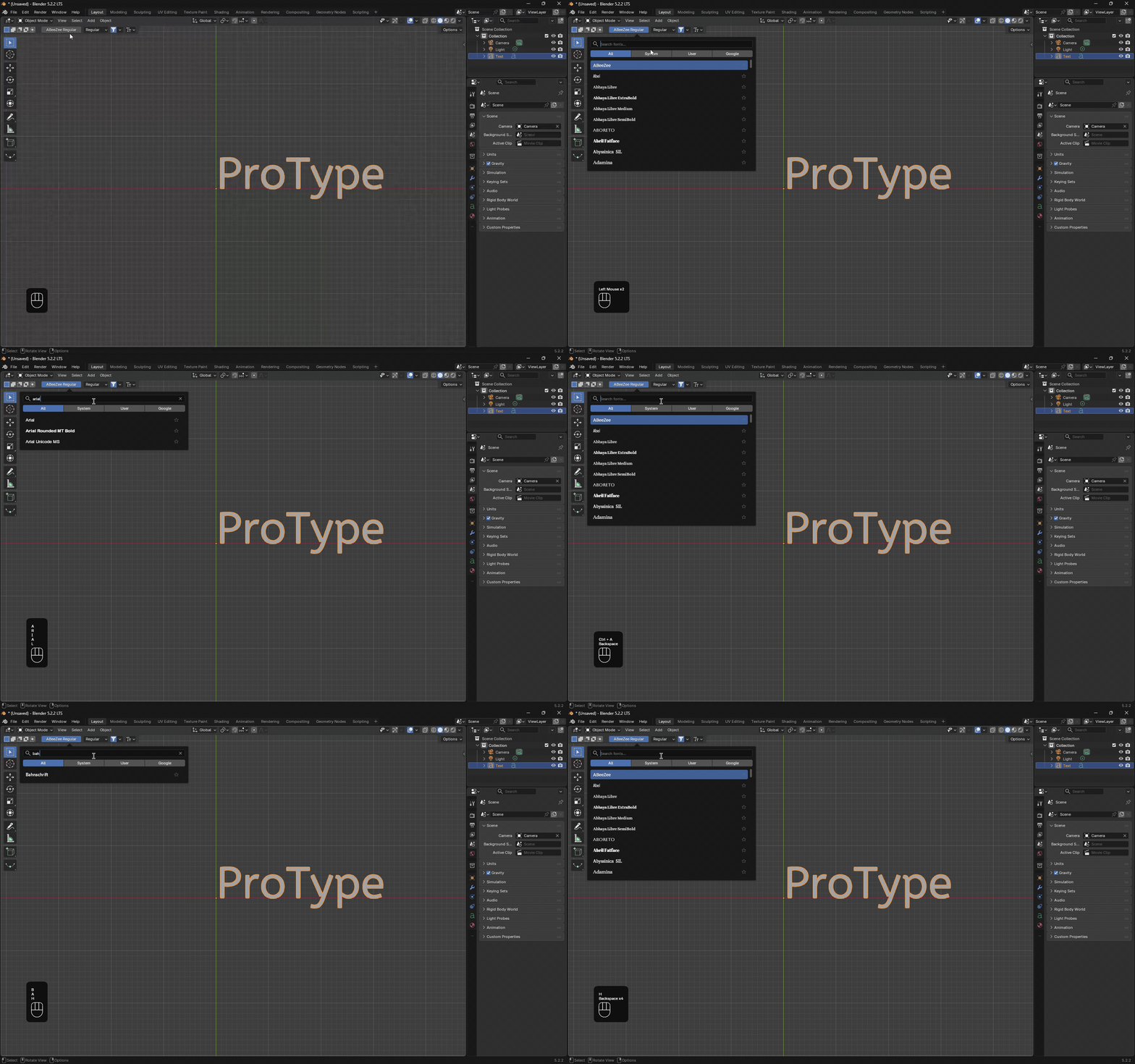
Open the font picker directly from the 3D Viewport header to browse a structured catalog.
Each row previews sample text in its actual typeface, allowing you to compare letterforms and stylistic
weight before you apply a font.
Contextual Display: Controls appear automatically whenever a 3D Text
object is active.
Custom Sample Text: Preview the font name or specify custom specimen text in
Preferences.
One-Click Application: Instantly apply fonts to selected objects without opening
external folders.
02 / Search & Filter
Go from a broad library to a shortlist.
Search by name, then narrow or broaden results with dedicated category filters.
Search font and family names in real time, then refine matches with source tabs and
category filters. When browsing Google Fonts, targeted weight filters help narrow
selections by specific font weight.
Multi-Source Search: Instantly query across local system fonts, studio folders, and
online catalogs.
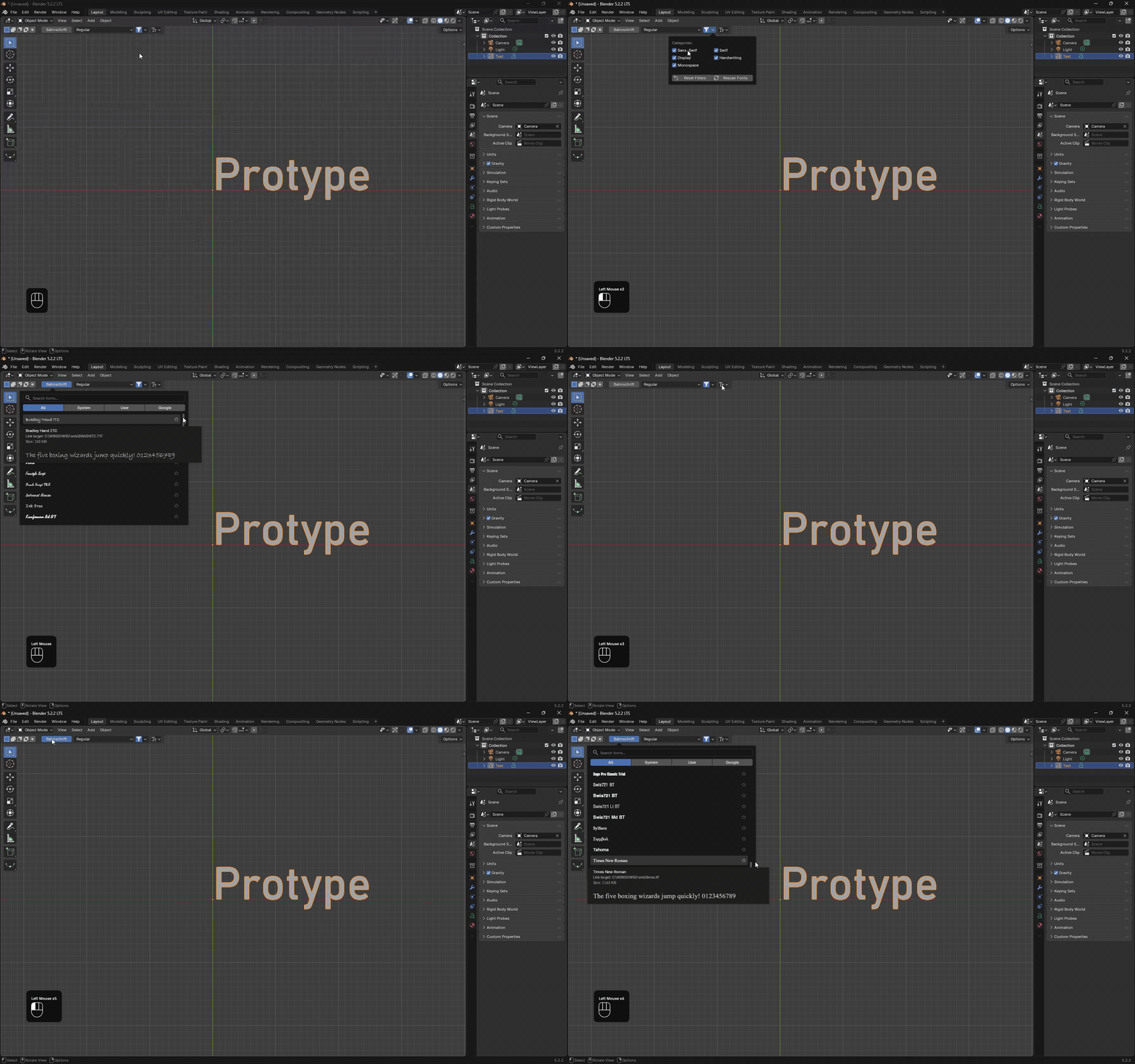
Category Filtering: Filter by Sans-Serif, Serif,
Display, Handwriting, and Monospace.
Google Weight Filters: Refine online Google Fonts by light, regular, medium, or bold
weights.
03 / Source Tabs
Browse by where your fonts come from.
Choose a font source and refine results with available category filters.
Switch between font sources right inside the picker. System and user fonts are discovered
automatically from the operating system, while custom folders let you mount project
libraries or shared studio assets.
Unified Sources: Filter between All, System,
User, Custom, and Google tabs.
Custom Directories: Add extra folders via
Edit > Preferences > Add-ons > ProType.
Google Fonts: Download and cache online Google Fonts directly inside Blender (requires
Online Access).
04 / Family Styles
Choose a style separately from its family.
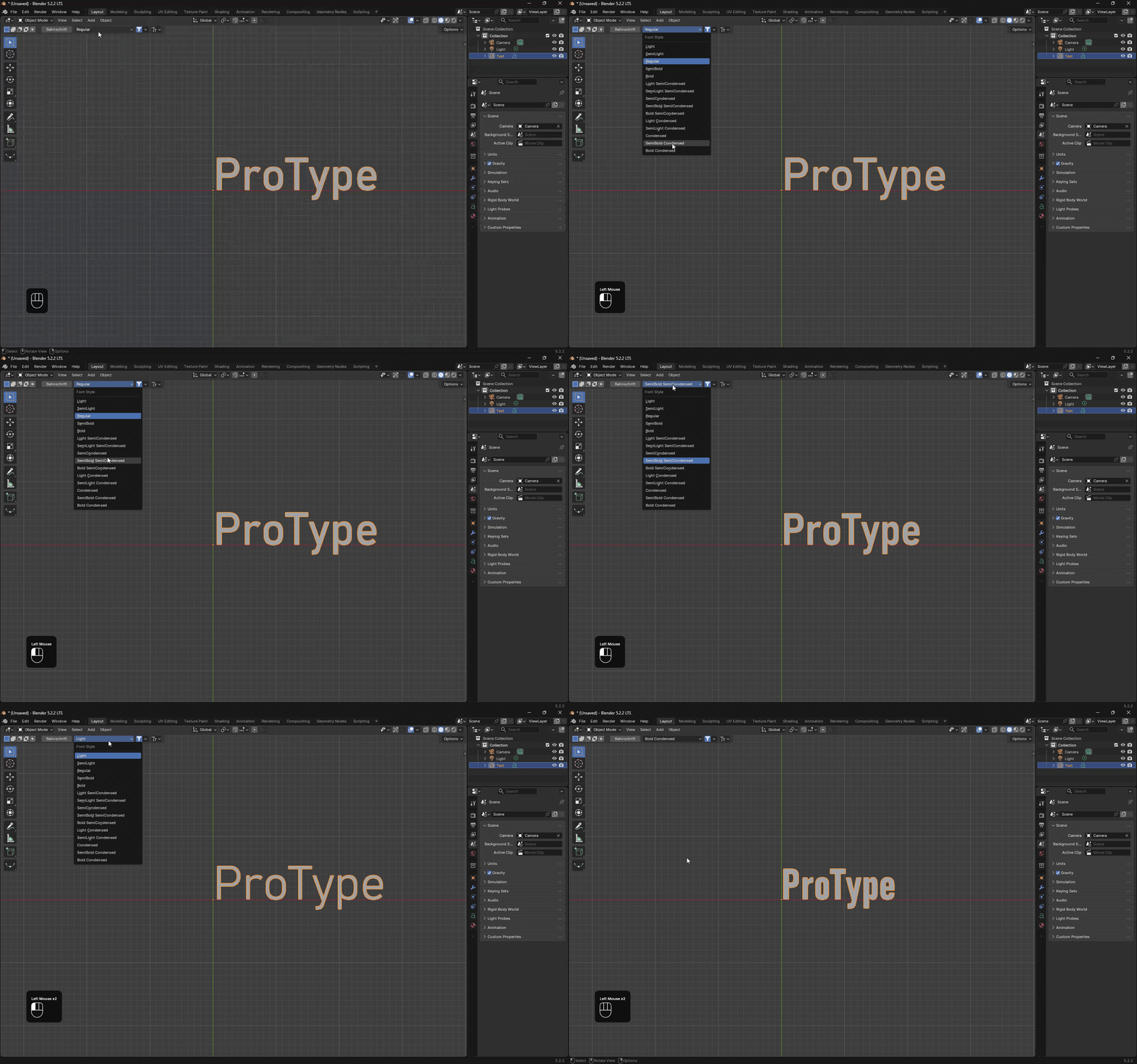
Select an available style variant from the family dropdown next to the font picker.
The primary font button identifies the family, while the adjacent style dropdown lets you
select any available variant. For variable fonts with named instances, ProType automatically generates
cached static font files so Blender can apply each variation.
Style Isolation: View all styles available for the active text font family.
Variable Font Support: Select named instances from variable .ttf and
.otf fonts.
Automatic Static Cache: Static font files are generated and cached in Blender's user
data folder.
05 / Quick Typography
Make common text edits without leaving the viewport.
Text layout, case, spacing, and curve geometry grouped in an interactive popover.
The Typography Popover puts frequently used text styling and 3D geometry controls directly
at your cursor. Tweak casing, adjust spacing and alignment, and modify extrusion and bevel depth without
switching to the Properties editor.
Case & Size: Quickly change text case (UPPERCASE,
lowercase, Title) and size.
Layout Spacing: Fine-tune Character Spacing, Word Spacing,
and Line Spacing.
3D Geometry: Immediate access to Extrude, Bevel Depth, and
curve resolution settings.
06 / Specimen Tooltip
Take a closer look before you commit.
Inspect a font with the hover preview and configure sample text in Preferences.
Hover over any font row to reveal an enlarged specimen preview tooltip. This lets you
inspect subtle glyph details, curves, and kerning in high resolution before committing the font to your 3D
objects.
Large Glyph Inspection: Preview a high-resolution sample in the typeface you are
inspecting.
Independent Sample Text: Set a dedicated specimen phrase in
Add-on Preferences.
Toggleable Tooltip: Keep the hover tooltip disabled when you prefer a lightweight
browsing view.
Use your font library, your way.
ProType works seamlessly with fonts already installed on your system and supports extra studio directories.
Local font workflows operate 100% offline with zero network dependency.
System and user font discovery
Automatically discovers installed fonts from standard OS paths (C:\Windows\Fonts,
/Library/Fonts, /usr/share/fonts, and user font directories).
Custom project and studio folders
Add one or more directories in Preferences > Add-ons > ProType to mount shared studio
libraries or project-specific font folders.
Optional Google Fonts access
Enable Google Fonts in ProType preferences and allow Online Access in Blender's System
settings to browse and download online fonts. Downloaded fonts are cached locally for reuse.
Preview and tooltip preferences
Choose whether font rows show font names or custom sample text like Hamburgevons 123. The
hover specimen tooltip has its own independent sample text.
Made for Blender text workflows.
Engineered exclusively for Blender's native 3D Text object pipeline. Lightweight,
non-destructive, and optimized for daily creative work.
Blender VersionCompatible with Blender 4.2+, 4.3+, and newer versions.
Font SourcesSystem, user, custom directories, and optional Google Fonts catalog.
Network AccessNot required for local fonts; optional only when downloading new Google Fonts.